Monitor Your First Certificate
Move from installation to useful expiration visibility in six straightforward steps.
Install CertStat
Download Certificate Expiry Tracker from Google Play and open the app.
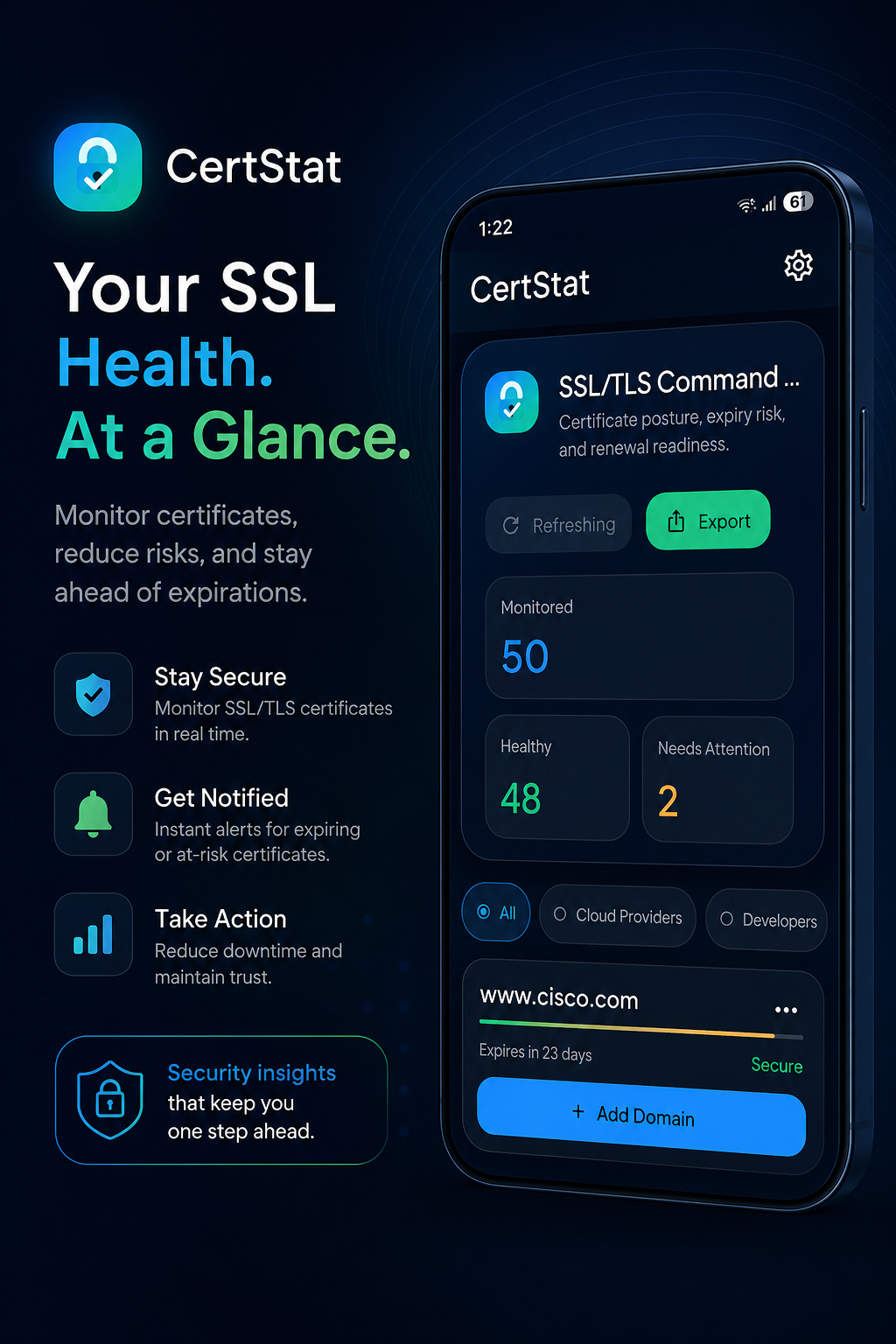
Open Google PlayAdd a hostname or IP address
From the dashboard, choose Add Domain and enter the hostname, FQDN, or IP address for the TLS endpoint you are responsible for.
Configure the port if needed
Use the standard HTTPS port when appropriate, or enter the custom port used by a NAS interface, reverse proxy, router, internal application, or development service.
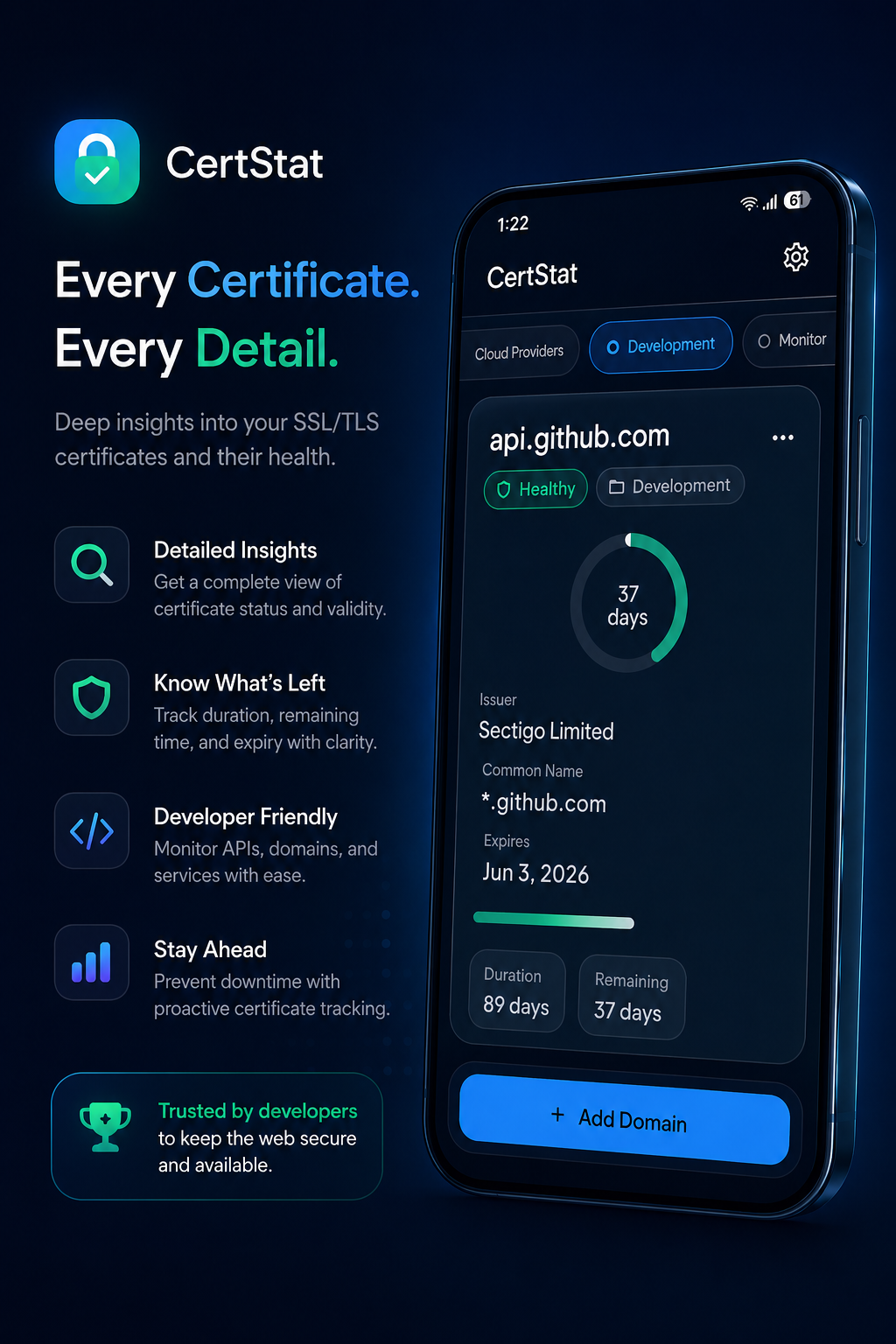
Review certificate details
Check the certificate status, issuer, common name, validity duration, expiry date, remaining days, and available TLS security details.
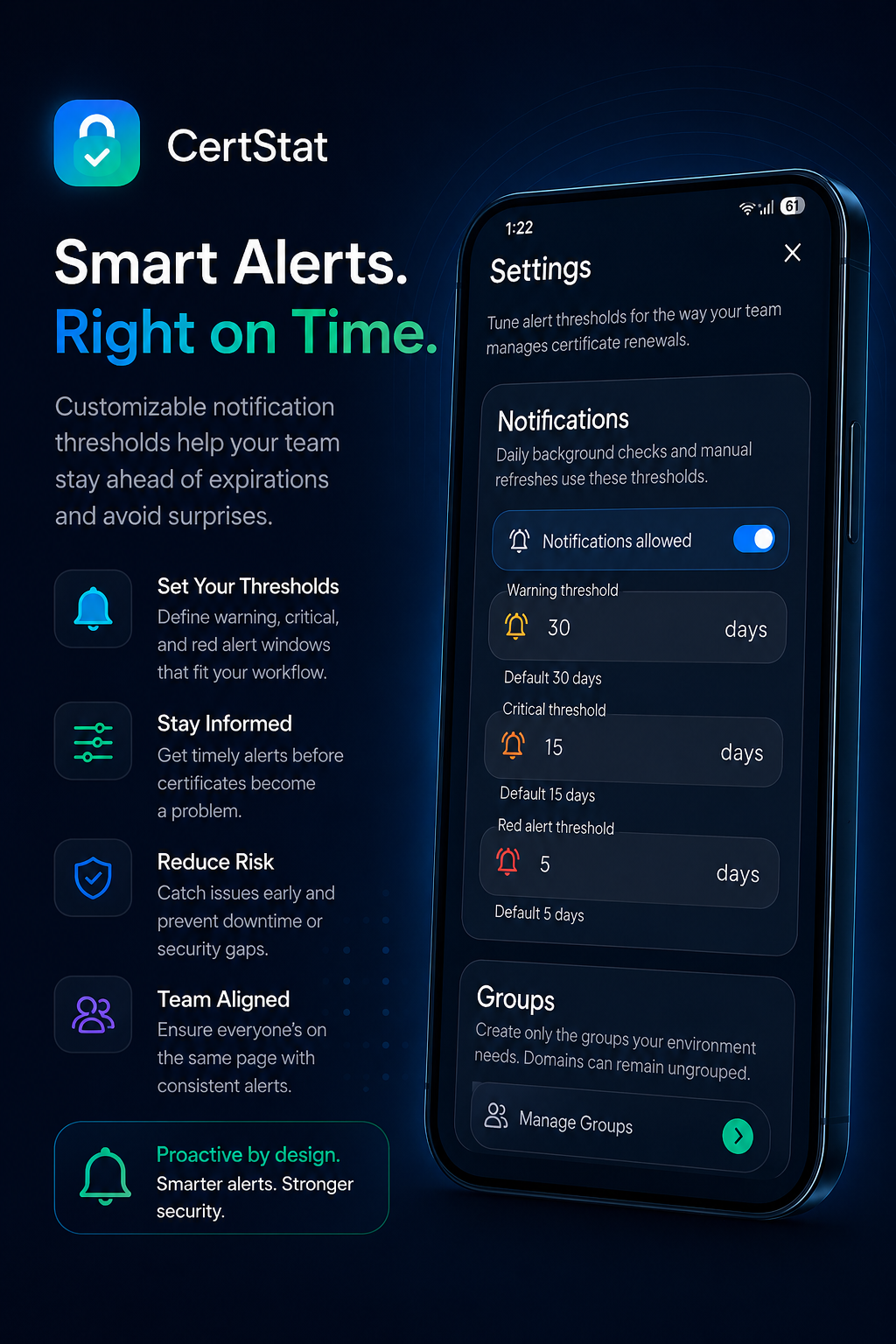
Configure expiration alerts
Enable notifications and choose warning, critical, and red alert thresholds that leave enough time for your renewal workflow.
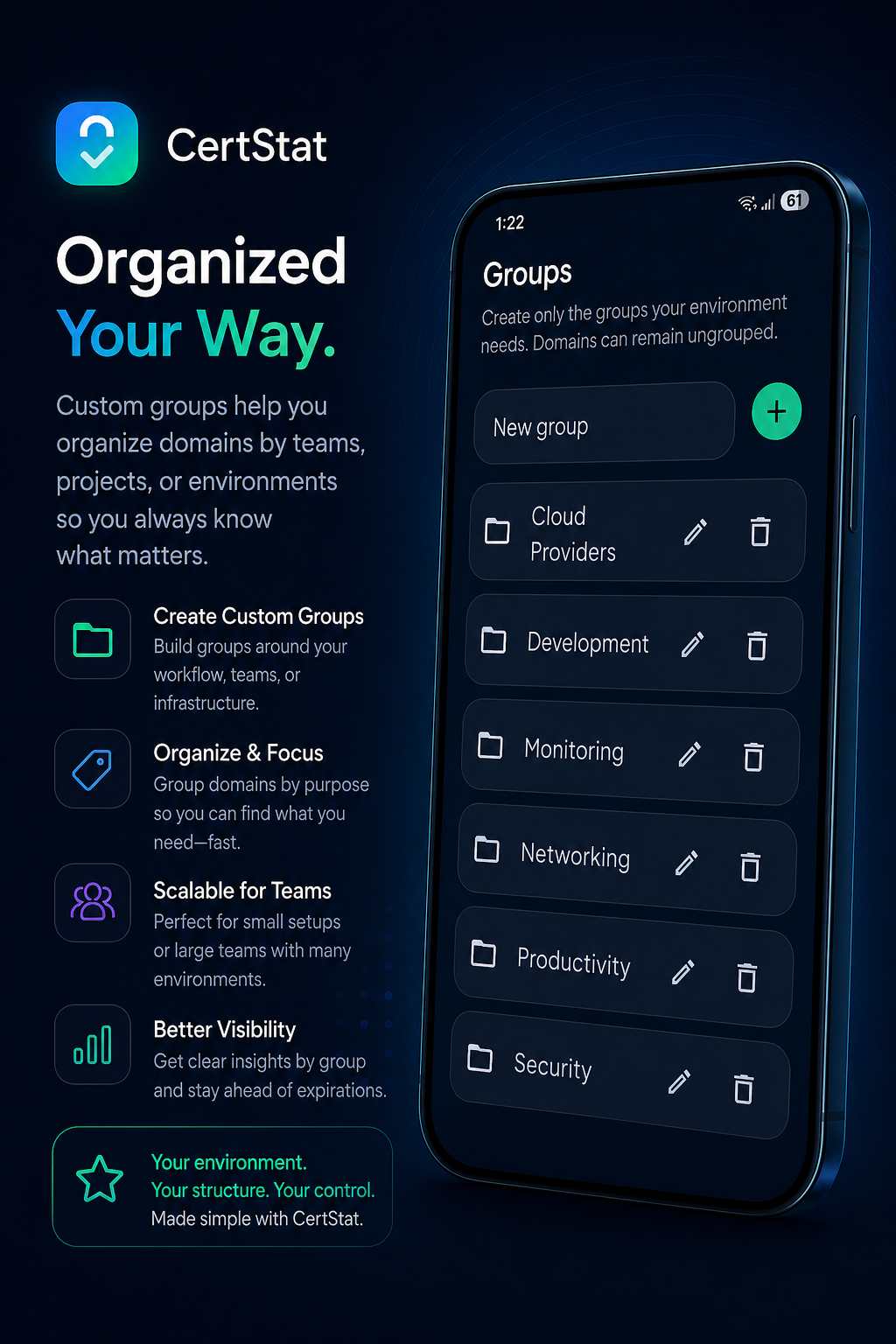
Organize monitored endpoints
Create groups based on customer, project, environment, team, or infrastructure type. Endpoints can remain ungrouped when a group is not useful.
Make certificate review routine.
Add the services that matter, then let dashboard status and notifications guide your attention.