Certificate visibility from Android

Know Before Your Certificates Expire

CertStat is an SSL certificate expiry monitor for Android that helps you inspect TLS certificate health, track approaching renewals, and receive warnings before certificate problems disrupt your services.

Monitor domains, FQDNs, and the endpoints your infrastructure depends on
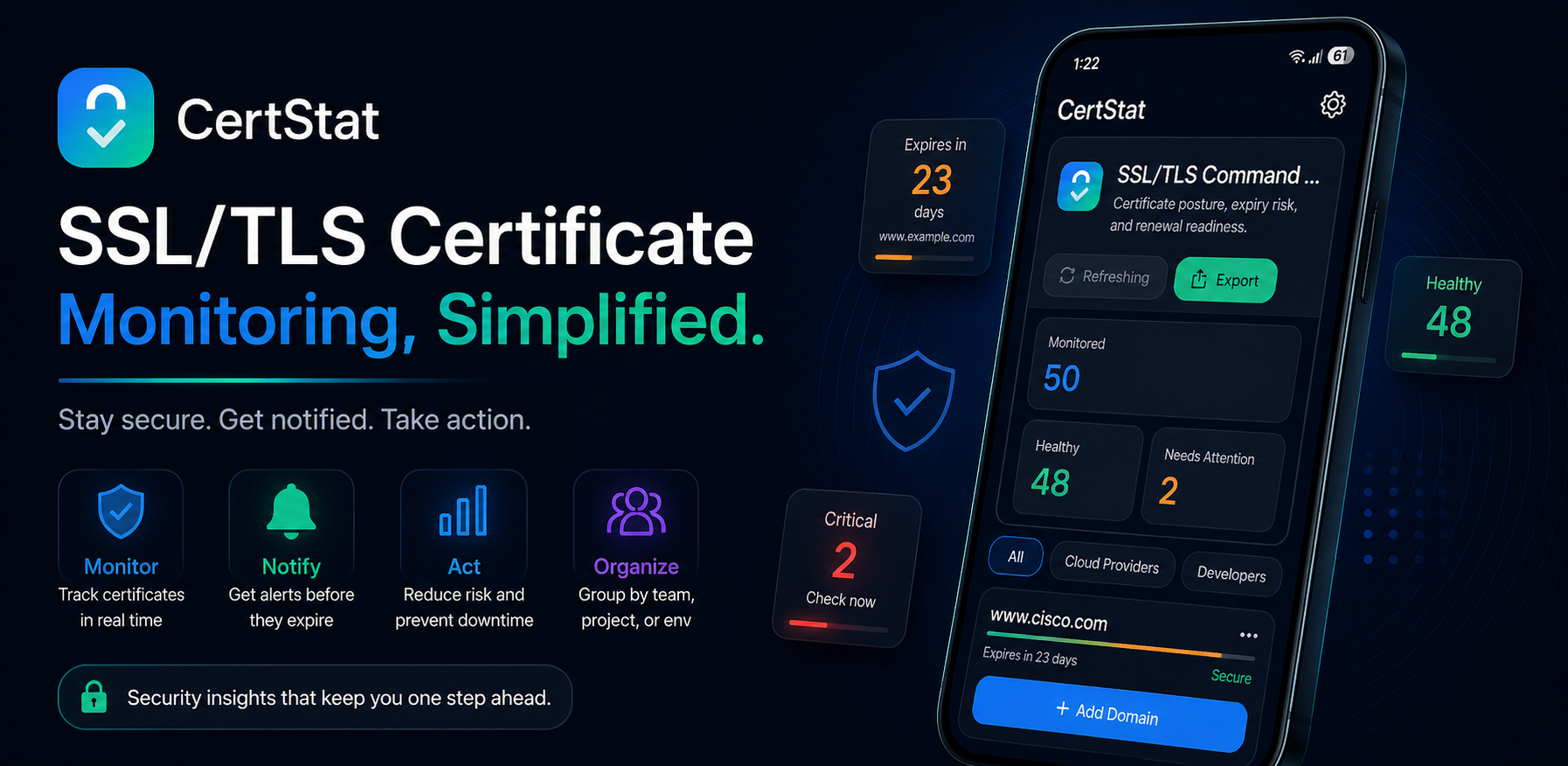
CertStat certificate monitoring dashboard with healthy, warning, and critical certificate states
HealthySee what is operating normally
!Approaching expiryPlan renewal before urgency
×Needs attentionKnow where to act first
New certificate operations guide

Public TLS certificate lifetimes are shrinking to 47 days.

Learn the 2026–2029 validity schedule, why shorter lifetimes increase renewal frequency, and how monitoring complements certificate automation.

Published July 28, 2026 · 8-minute read
Read the guide
The operational risk

Certificate Expiration Should Never Be a Surprise

You are responsible for keeping services trustworthy and reachable. CertStat gives you a focused view of certificate health so renewal work can happen on your schedule.

Trust warnings

An expired certificate can replace a working experience with a browser warning and erode user confidence.

Broken communication

APIs, integrations, and internal services may fail when certificate validation no longer succeeds.

Emergency renewals

Missed expiration dates turn routine maintenance into urgent work and avoidable support incidents.

A simple plan

Three steps to clearer certificate health

Add what matters, understand its status, and act with time to spare.

CertStat dashboard for adding and monitoring certificate endpoints
Step 01

Add the endpoint

Enter the hostname or IP address you need to monitor and configure its connection details.

CertStat certificate detail view with issuer, validity, and remaining days
Step 02

Review certificate health

See the issuer, common name, validity duration, expiry date, and remaining time in one focused view.

CertStat notification settings with warning, critical, and red alert thresholds
Step 03

Act before expiration

Choose warning thresholds and let background checks surface certificates that are running short on time.

Purpose-built tooling

Certificate monitoring without unnecessary complexity

CertStat turns certificate data into a practical mobile workflow for inspection, organization, and renewal readiness.

Operational overview

See certificate posture at a glance

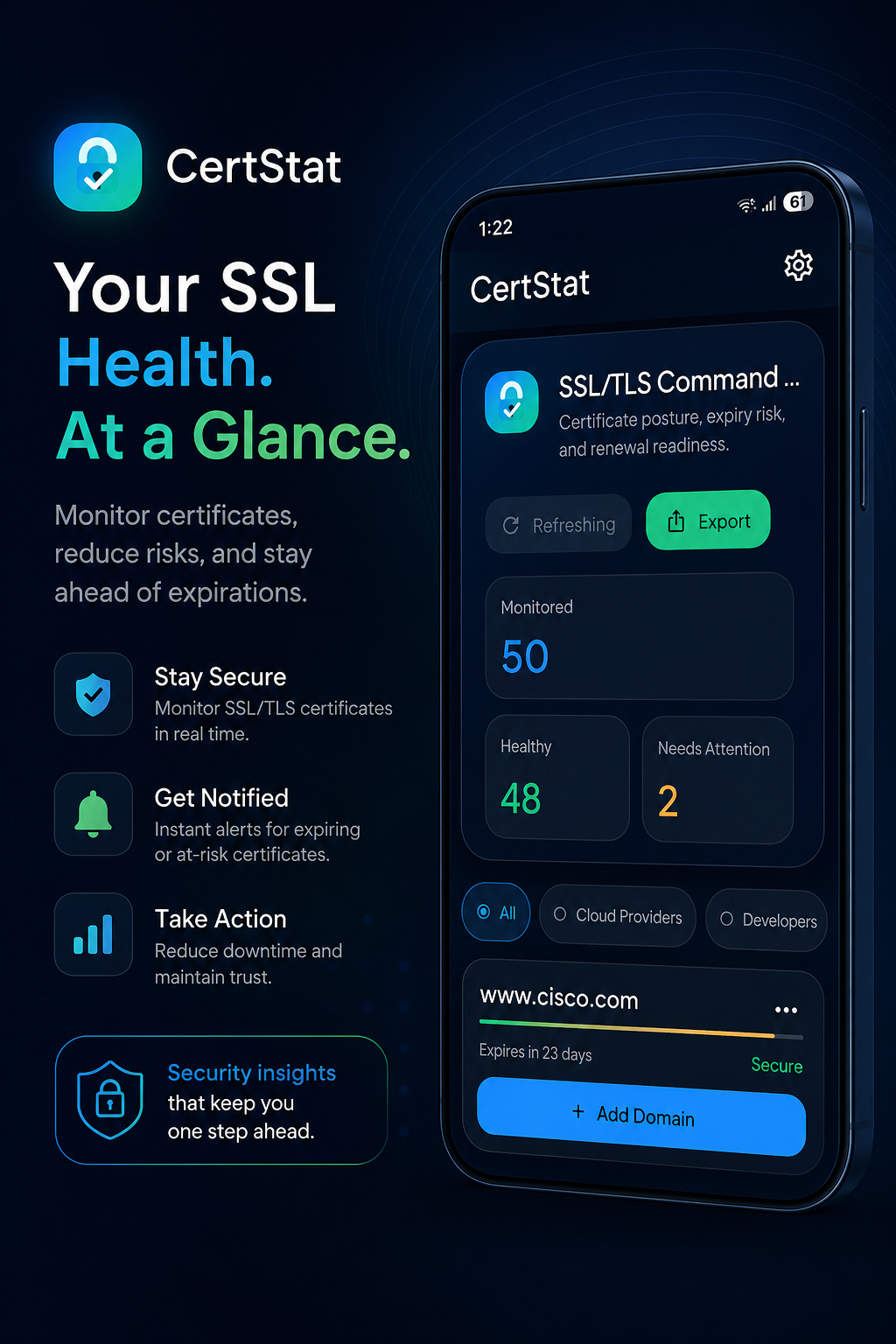
The dashboard separates healthy certificates from endpoints that need attention, while filters help you narrow the view.

  • Monitor expiry dates across domains and FQDNs
  • Search, filter, and refresh certificate status
  • Export information for reporting and updates
CertStat dashboard showing monitored, healthy, and needs-attention totals
Technical inspection

Understand the certificate behind each service

Inspect validity, issuer, common name, remaining days, TLS version, and cipher security details when you need more than a date.

  • Certificate validity and expiration tracking
  • TLS version and cipher inspection
  • Clear severity and remaining-time indicators
CertStat technical certificate details for an API endpoint
Timely warnings

Set alerts around your renewal workflow

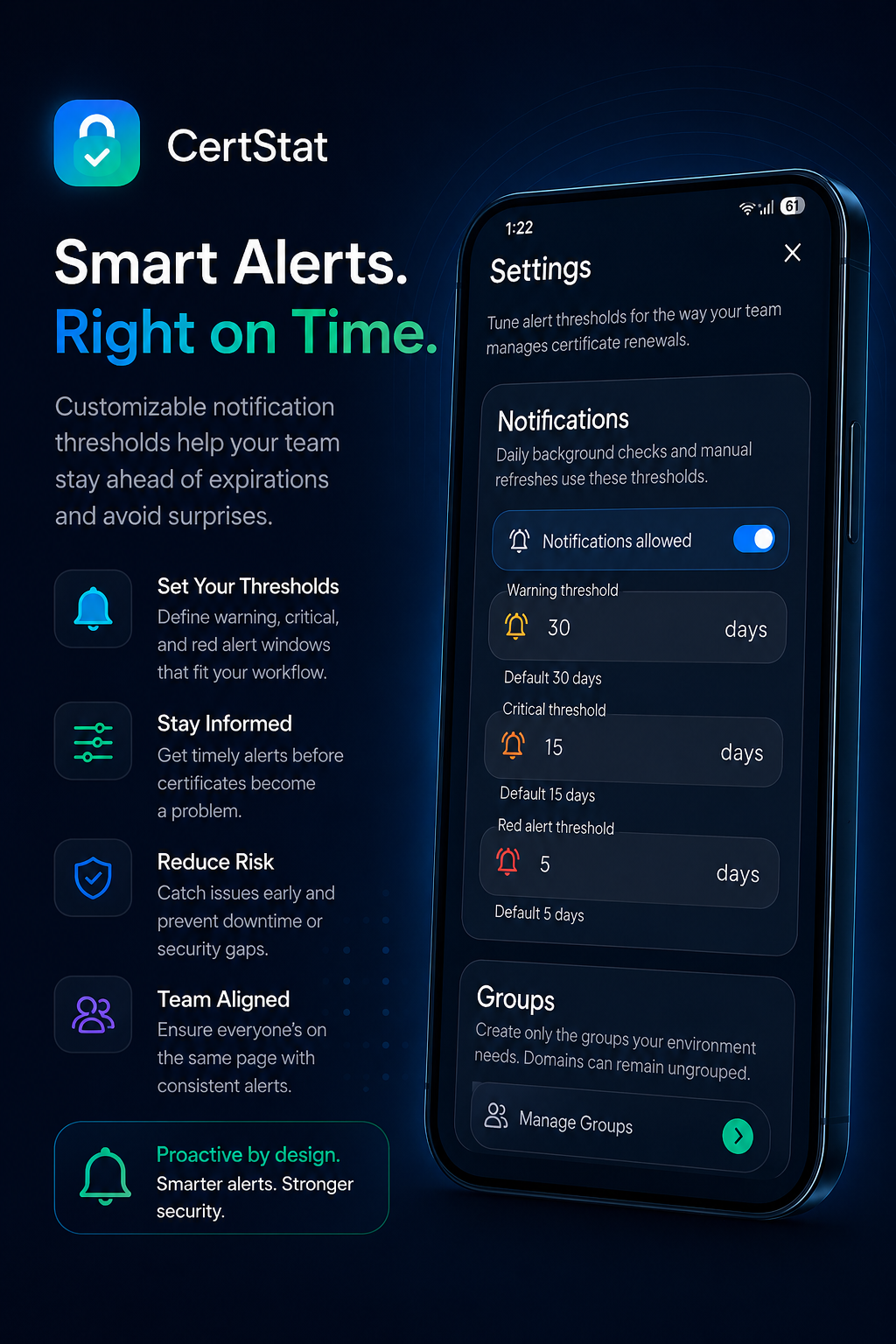
Configure warning, critical, and red alert windows. Daily background checks and local notifications help bring approaching expiration dates to your attention.

  • Configurable severity thresholds
  • Local expiry notifications
  • Background certificate checks
CertStat settings for customizable certificate expiry notification thresholds
Organization and control

Keep growing endpoint lists manageable

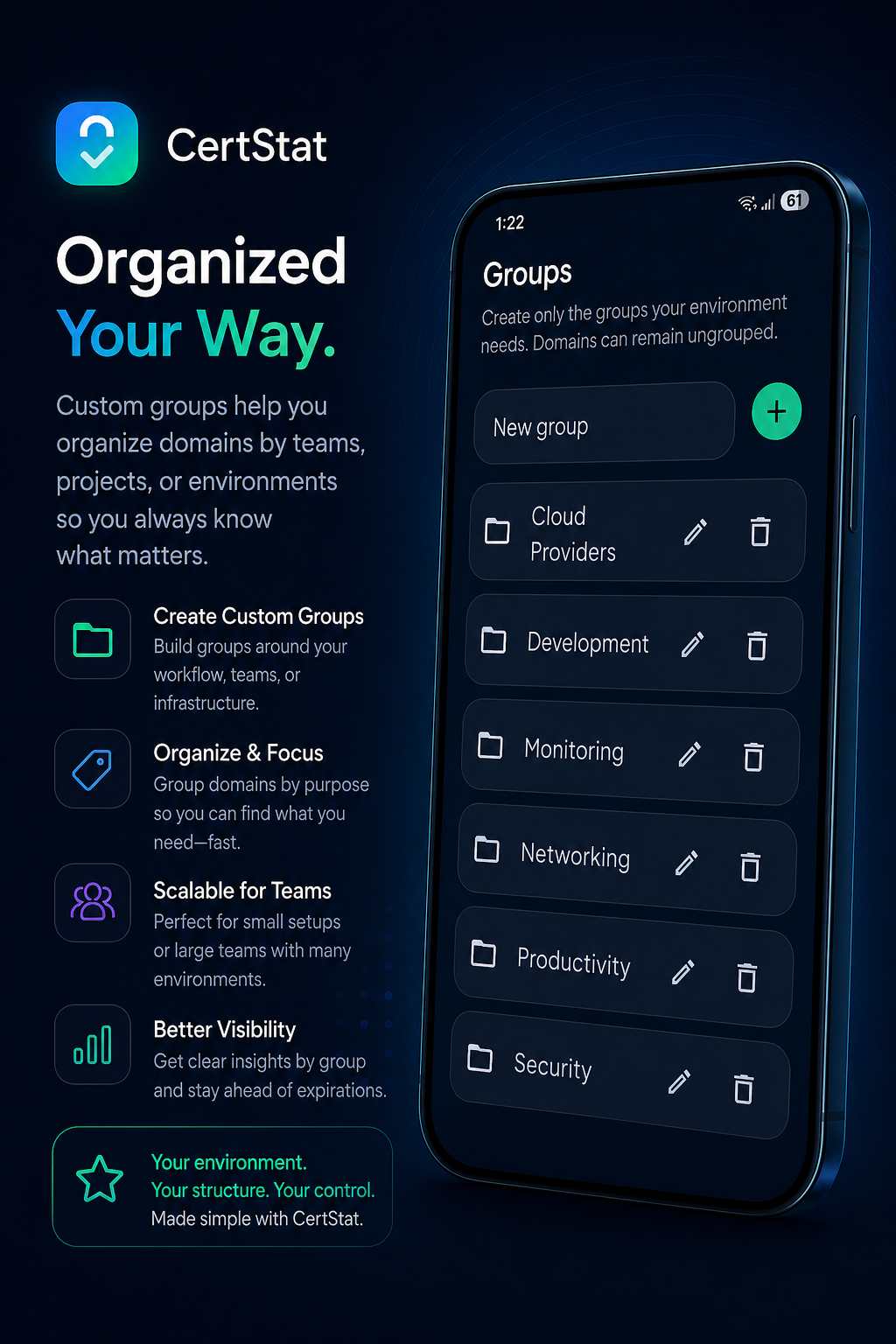
Create groups around customers, projects, environments, or infrastructure. Move configuration between devices with JSON import and export.

  • Custom groups and ungrouped endpoints
  • JSON backup and migration
  • Confirmation safeguards for destructive actions
CertStat custom groups for organizing domains by environment and purpose
Product gallery

Explore the CertStat workflow

Select any image to open a larger preview. Every source image is shown without cropping in the expanded view.

Video walkthrough

See CertStat in action

Take a closer look at the Android certificate monitoring experience.

Where it fits

Mobile-first visibility for the services you manage

CertStat complements your existing operational tools with a practical certificate checker and expiration tracker on Android.

01 / HOMELAB

Self-hosted services

Track NAS interfaces, reverse proxies, dashboards, and internal web applications.

02 / PUBLIC

Websites and APIs

Keep an eye on public domains, application endpoints, and integration certificates.

03 / NETWORK

Infrastructure interfaces

Inspect certificates used by routers, firewalls, appliances, and administrative services.

04 / DEVELOPMENT

Test environments

Organize development, staging, and testing endpoints separately from production.

05 / SMALL IT

Managed environments

Group endpoints by customer, project, or environment for clearer day-to-day review.

06 / ANDROID

At-a-glance status

Use local notifications and home-screen widgets for mobile certificate visibility.

Renew on your schedule

Stop Finding Out About Certificate Problems After Something Breaks.

Install CertStat and make certificate expiration part of your regular operational view.

Download CertStat